

Smart Homes and Stairlifts: What Really Helps
Light whilst travelling, calling the lift via an app, detecting faults early: digital features can make everyday life easier. Here you can see what’s useful and where caution is advised.
- Benefits rather than technical gimmicks
- Safety always comes first
- Check in advance whether retrofitting is possible
- Free of charge
- No obligation
- Indicative price immediately
Remote maintenance: Detect faults early
Call AppLift, depending on the model
Safety buttons remain important
Clearly defining data protection roles
What are the benefits of digitalisation for stairlifts?
It’s the simple things that are most useful: lights that switch on as the lift moves, and remote monitoring that alerts you to faults at an early stage. Apps and voice control are available depending on the model, but they never replace the seat-mounted buttons and the emergency stop button. Before buying, check what the manufacturer actually supports, as many stairlifts do not have an open interface.
As at November 2026. Edited by Regional-Treppenlift. Figures are for guidance only and are subject to change.
Short and to the point
| Remote maintenance | depending on the manufacturer |
|---|---|
| Light | via relays or motion detectors |
| Voice control | rarely direct |
| Safety | Controls on the lift remain |
| Grant | usually just for the lift |
Useful features
Light and Orientation
Stair lighting controlled by a motion detector is easy to retrofit and reduces the risk of tripping.
Call via app
This is helpful if the stairlift is on a different floor, provided the model allows for this.
Remote maintenance
Report faults before the stairlift breaks down. Clarify costs and data protection.
Alarm and emergency call
A home emergency call system and a telephone within easy reach are often more important than any app.
Doors and roller shutters
Combinations are possible, but require a well-designed smart home system.
Roles for relatives
Relatives receive only the information they need.
What you should ask before buying
- What features does this model come with as standard?
- Are there any subscription or mobile phone charges?
- Does the stairlift work without an internet connection?
- Who can access the data and where is it stored?
- Can features be added at a later date?
- Who can help if the app or gateway stops working?
Interventions in the control system and safety circuit must only be carried out by the manufacturer or authorised specialist firms. DIY solutions may compromise safety.
Don’t forget about data protection
The times a stairlift is used say a lot about a person’s daily life. Obtain the consent of the person concerned and use secure passwords. Ask providers what data is collected and whether it can be disabled.
Keep the technology as simple as possible. People with little experience of smartphones often find it easier to use a button on the wall.
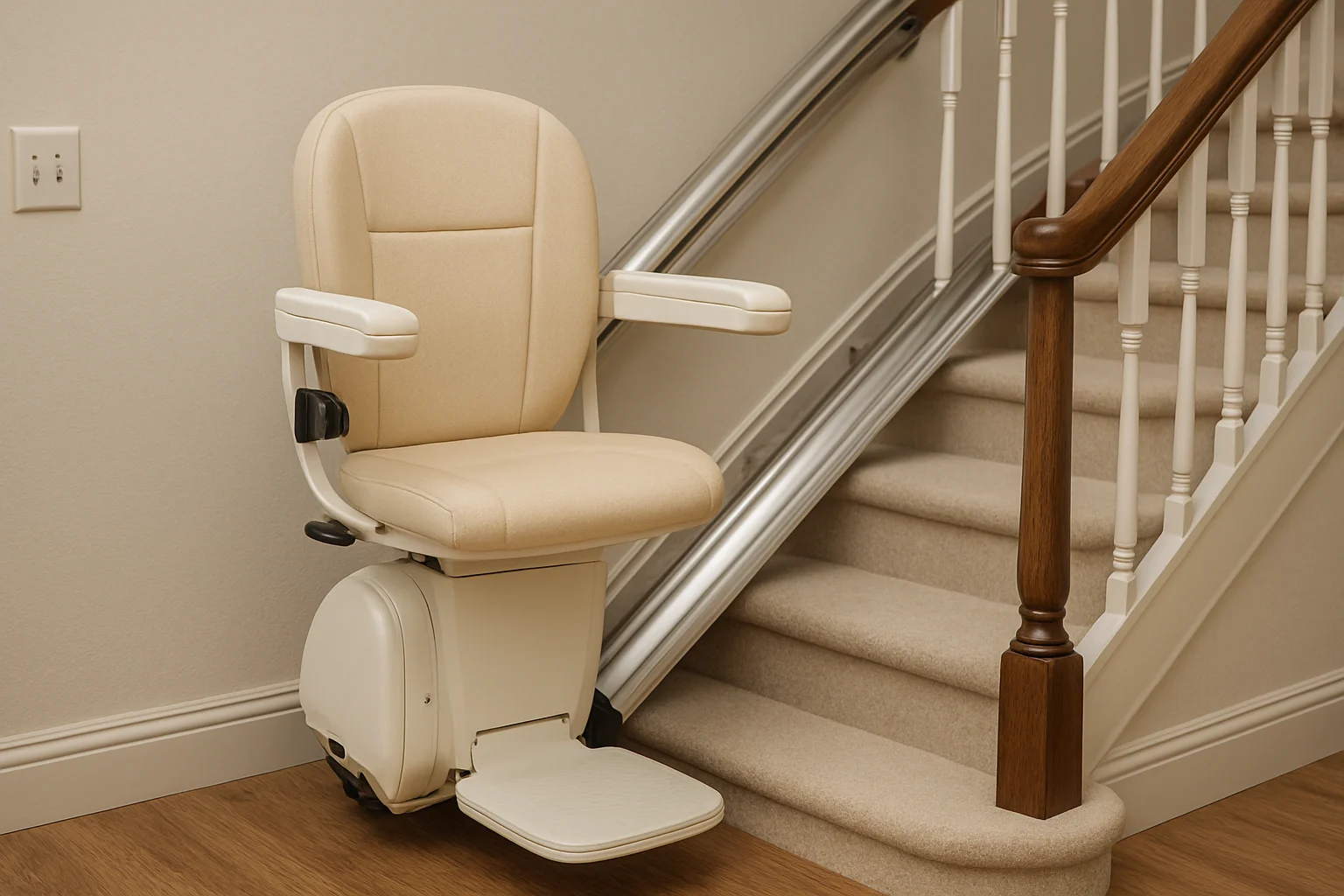

Which stairlift is right for your home?
We’ll advise you on which equipment will really make a difference for you.
Frequently asked questions about smart homes
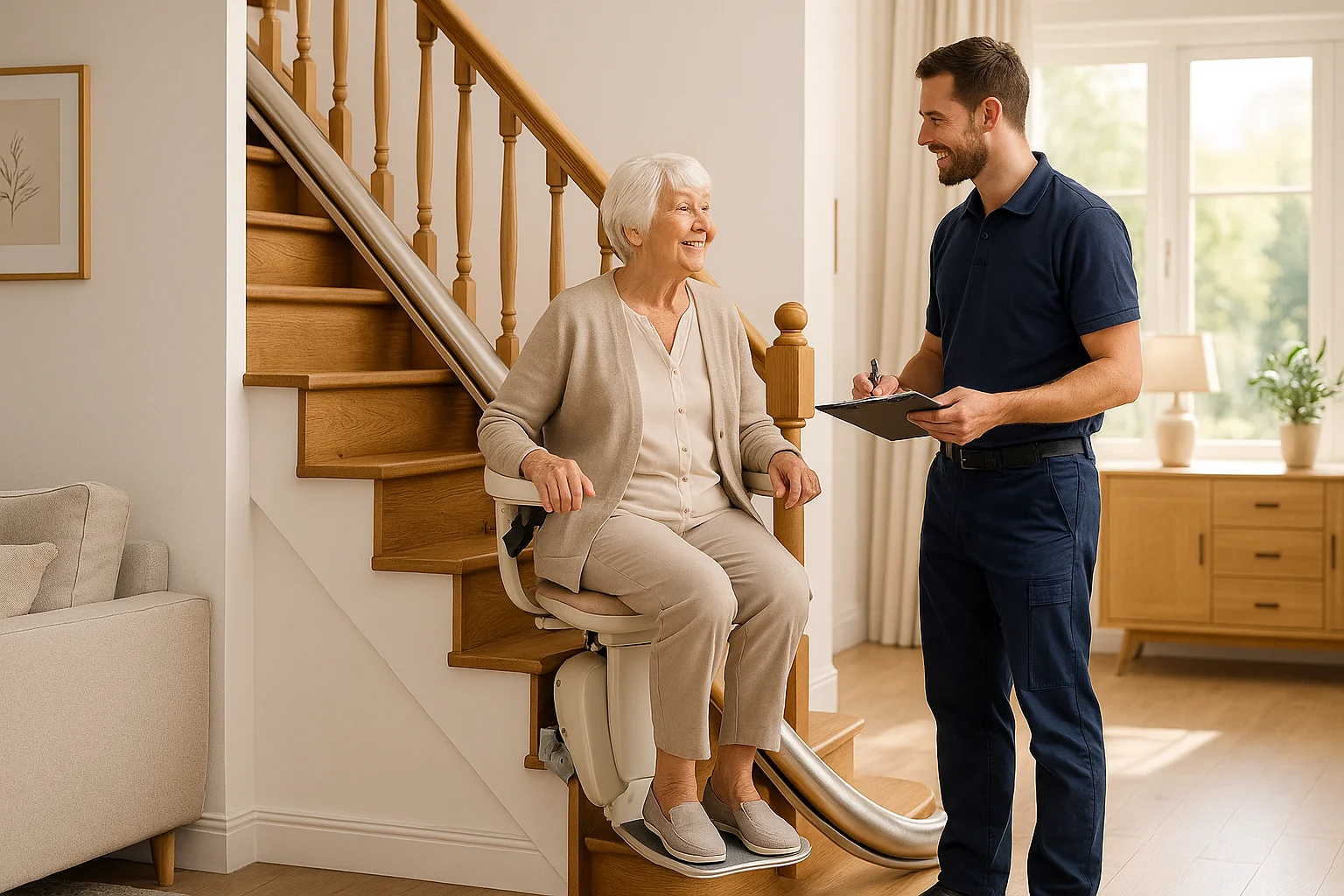
Can’t find your question here?
We’d be happy to answer them personally and free of charge.
Call 0800 3562673Can I control my stairlift using Alexa?
Rarely direct. Some solutions involve intermediate modules. Any modifications to the operating system should only be carried out with the manufacturer’s approval.
Does the stairlift work without Wi-Fi?
Yes, the basic functions should always be available without an internet connection. Please enquire before purchasing.
Does the long-term care insurance fund cover smart home technology?
Usually not automatically. The long-term care insurance fund assesses each case individually. Please clarify this before commissioning any additional equipment.
What is remote maintenance?
The stairlift reports its status to the service centre. This allows faults to be detected earlier. This usually requires a contract and a data connection.
You might also be interested in
Let’s plan a stairlift that’s right for you.
The initial consultation is free of charge and without obligation. This applies even if you are enquiring on behalf of your parents.